Free Performance SEO Resource — 10-Part Series

Your Clients Are Failing Google's Speed Test. Here's Exactly Why.

The 10 most common Core Web Vitals failures agencies find on client sites — diagnosed in plain English, with step-by-step fixes your team can implement today.

10 Issues Covered|Free to Access|Built for Agencies
Start with Episode 1 → Book a Free Strategy Call
About This Series

What the Series Covers

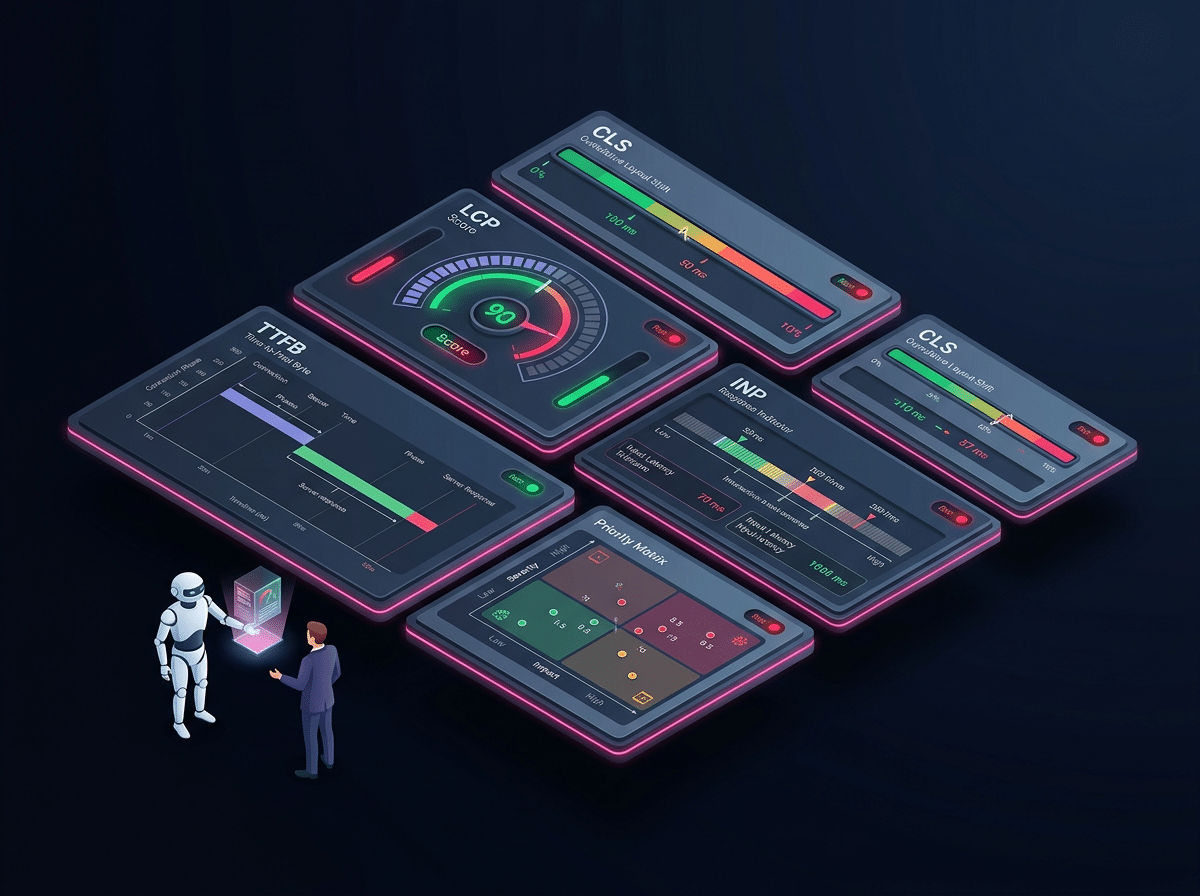
Core Web Vitals are one of the most misunderstood ranking factors in technical SEO. Agencies know they matter, but when a client's dashboard turns red, most teams don't know where to start. LCP, INP, CLS, TTFB, FCP — the metrics blur together, and the fixes are completely different for each one.

This free 10-part series breaks down the most common CWV failures we find on client sites — one specific failure per episode, with the exact diagnostic steps and fixes your agency can implement today. No fluff. No jargon. Just actionable fixes.

Target Audience

Built for Agencies and SEO Professionals

Agency Owners

Add a CWV diagnostic framework your team can run on every new client site. Find failures before your clients do and present fixes that prove your value.

SEO Managers

Stop guessing which CWV metric is failing and why. This series gives you a systematic diagnostic process from field data to root cause to fix.

Freelancers

Deliver CWV audits with confidence. Each episode gives you the exact language to explain failures to clients and the exact steps to resolve them.

Developers

Understand exactly what your build decisions mean for LCP, INP, CLS, and TTFB — and how to test, measure, and verify each fix before deploying.

Complete Playbook

All 10 Episodes

Click any episode to open the full fix-it guide. Check off episodes as you complete them to track your learning journey.

Your Study Progress: 0 of 10 completed
Episode 1 Cover
01
Critical
LCP

Slow LCP — Unoptimized Hero Image

Your largest above-the-fold element is loading last. Google noticed.

The hero image is almost always the LCP element — and it's almost always the last thing the browser loads.

PageSpeed Insights > LCP Element > Opportunities > Properly Size Images

Key Fix Preview: Compress the hero image to WebP, add a <link rel=preload> hint, and set explicit width and height attributes.

Open Episode 1 →
Episode 2 Cover
02
Critical
LCP

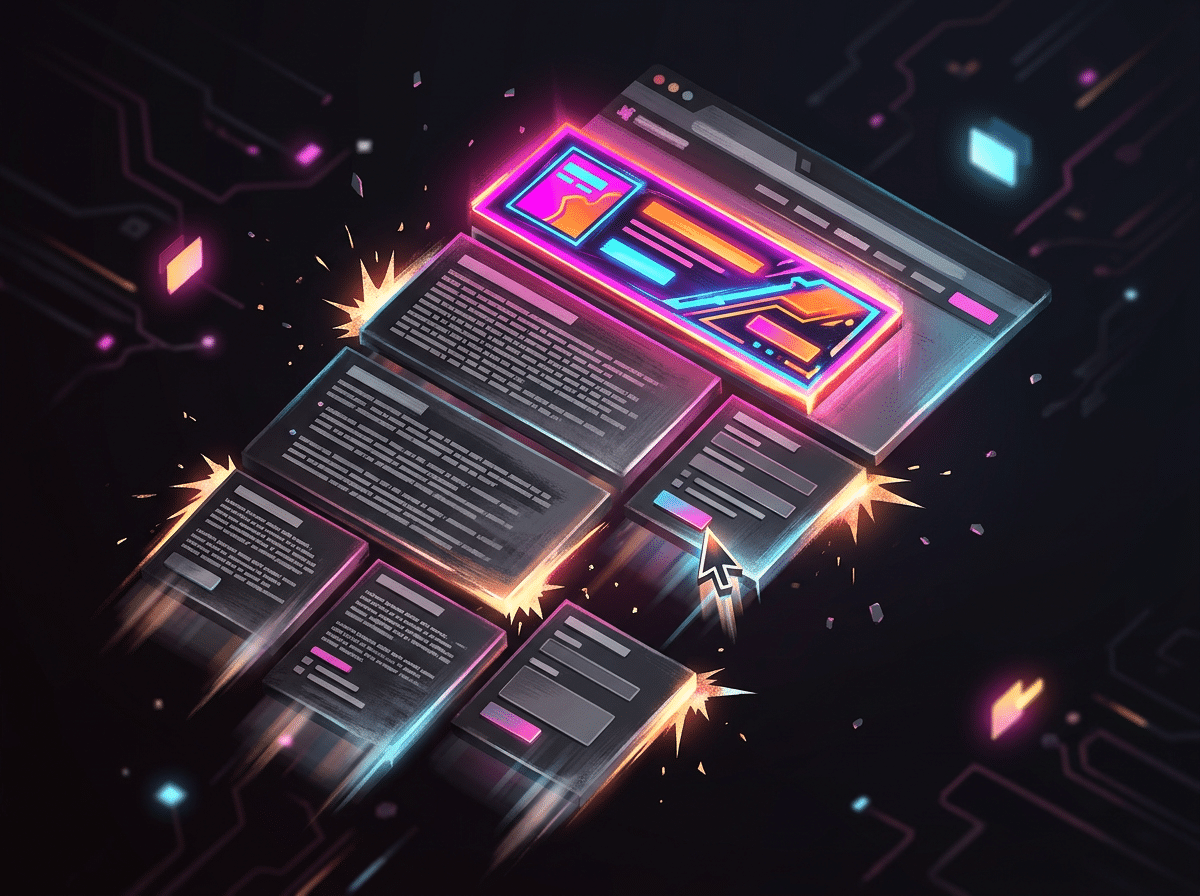
Slow LCP — Render-Blocking Resources

CSS and JavaScript are holding your page hostage before it can paint.

Render-blocking resources prevent the browser from displaying any content until they fully load — directly delaying LCP.

PageSpeed Insights > Opportunities > Eliminate Render-Blocking Resources

Key Fix Preview: Defer non-critical JavaScript, inline critical CSS, and move render-blocking scripts to the bottom of the page.
Open Episode 2 →
Episode 3 Cover
03
High
CLS

High CLS — Layout Shifts from Ads

Your page jumps every time an ad loads. Users hate it. Google measures it.

Ad slots without reserved dimensions inject content into the layout after the page has already painted — causing visible, measurable shifts.

Chrome DevTools > Performance Panel > Layout Shift Regions > Ad Slot Sources

Key Fix Preview: Reserve explicit height for every ad slot with a min-height CSS rule before the ad loads.

Open Episode 3 →
Episode 4 Cover
04
High
CLS

High CLS — Images Without Dimensions

No width and height on images = a layout that rebuilds itself on every load.

When browsers don't know an image's dimensions upfront, they reserve zero space. When the image loads, everything below it jumps down.

PageSpeed Insights > Diagnostics > Image Elements Do Not Have Explicit Width and Height

Key Fix Preview: Add explicit width and height attributes to every img element across the site — this is the single fastest CLS fix available.

Open Episode 4 →
Episode 5 Cover
05
High
INP

Poor INP — Third-Party Scripts

Tag Manager, chat widgets, and trackers are making every click feel broken.

Third-party scripts run on the browser's main thread. Every script added is blocking time stolen from user interaction responses.

Chrome DevTools > Performance Panel > Main Thread > Third-Party Script Blocking Time

Key Fix Preview: Audit all third-party scripts, defer non-essential ones, and load chat widgets and trackers after the main thread is free.

Open Episode 5 →
Episode 6 Cover
06
High
INP

Poor INP — JavaScript Execution Bloat

Your client's site has too much JavaScript blocking every interaction.

Unused JavaScript that loads and executes on page load occupies the main thread — making every click, tap, and keystroke feel sluggish.

PageSpeed Insights > Opportunities > Reduce Unused JavaScript

Key Fix Preview: Tree-shake unused JS, code-split large bundles, and defer everything not needed for the initial interaction.

Open Episode 6 →
Episode 7 Cover
07
Critical
TTFB

Slow TTFB — Shared Hosting Bottleneck

Your server is the problem. No front-end optimization will fix a slow origin.

TTFB is how long the browser waits for the server's first byte. On shared hosting, that wait is often 1–3 seconds before any content loads.

PageSpeed Insights > Diagnostics > Server Response Times (TTFB) > Field Data

Key Fix Preview: Move to a VPS or managed hosting, implement server-side caching, and layer Cloudflare in front of the origin.

Open Episode 7 →
Episode 8 Cover
08
High
TTFB

Slow TTFB — Missing Caching Headers

Every page is being served fresh from the server. Every single time.

Without proper caching headers, browsers and CDNs can't store page resources. Every visitor triggers a full server round-trip.

Chrome DevTools > Network Panel > Response Headers > Cache-Control > Max-Age

Key Fix Preview: Set Cache-Control headers on all static assets, configure browser caching in your server config, and enable CDN edge caching.

Open Episode 8 →
Episode 9 Cover
09
Medium-High
FCP

FCP Failures — Web Font Loading Delays

Your client's brand fonts are delaying the first thing users ever see.

Custom web fonts block First Contentful Paint when loaded synchronously — the browser waits to render any text until the font file downloads.

PageSpeed Insights > Diagnostics > Ensure Text Remains Visible During Webfont Load

Key Fix Preview: Add font-display: swap to all @font-face declarations and preload critical font files in the page head.
Open Episode 9 →
Episode 10 Cover
10
Opportunity
Agency Process

CWV Audit Workflow for Agencies

How to diagnose, prioritize, and present Core Web Vitals fixes to any client.

The complete agency framework — from opening PageSpeed Insights on a new client site to packaging a CWV remediation proposal that wins budget approval.

PageSpeed Insights > Field Data > Core Web Vitals Assessment > Opportunities & Diagnostics

Key Fix Preview: Use the 5-step agency audit workflow to diagnose all three metrics, prioritize by impact, and build a client-ready remediation roadmap.

Open Episode 10 →
About Harper Media Group

Why We Built This Series

At Harper Media Group, we deliver white-label technical SEO for agencies — which means we diagnose Core Web Vitals failures across hundreds of client sites every year. The same failures appear constantly: hero images without preloads, third-party scripts blocking interactions, shared hosting killing TTFB before any optimization can help.

Most agencies know CWV matter. Most don't have a repeatable process for diagnosing and fixing them. This series is that process — built from real client site work, with every fix battle-tested at scale.

What Harper Media Group Delivers

  • Core Web Vitals Remediation
  • White-Label Technical SEO Audits
  • Structured Data & Schema Implementation
  • AI Search & Generative Engine Optimization
  • Site Architecture & Crawl Budget Optimization
  • Site Migration Risk Management
  • Search Console Management & Reporting

All delivered under your agency brand.